Your brand’s content.
On autopilot.
Enter your URL. SocialFly learns your voice, generates the posts and the video, and publishes on your schedule — after you approve.
Instagram · TikTok · Facebook · X · LinkedIn


- 01Your URL
- 02Brand DNA
- 03Generate
- 04Schedule
- 05Publish
Point it at a site you already own.
SocialFly reads the whole thing and writes down what it found — the tone, the words you actually use, the claims you would never make. You correct it once. Every post after that inherits it.
Read from

One account holds several brands. Each keeps its own voice.

The real extraction from siteflypro.com — tone, direction, and the vocabulary it found on the site.
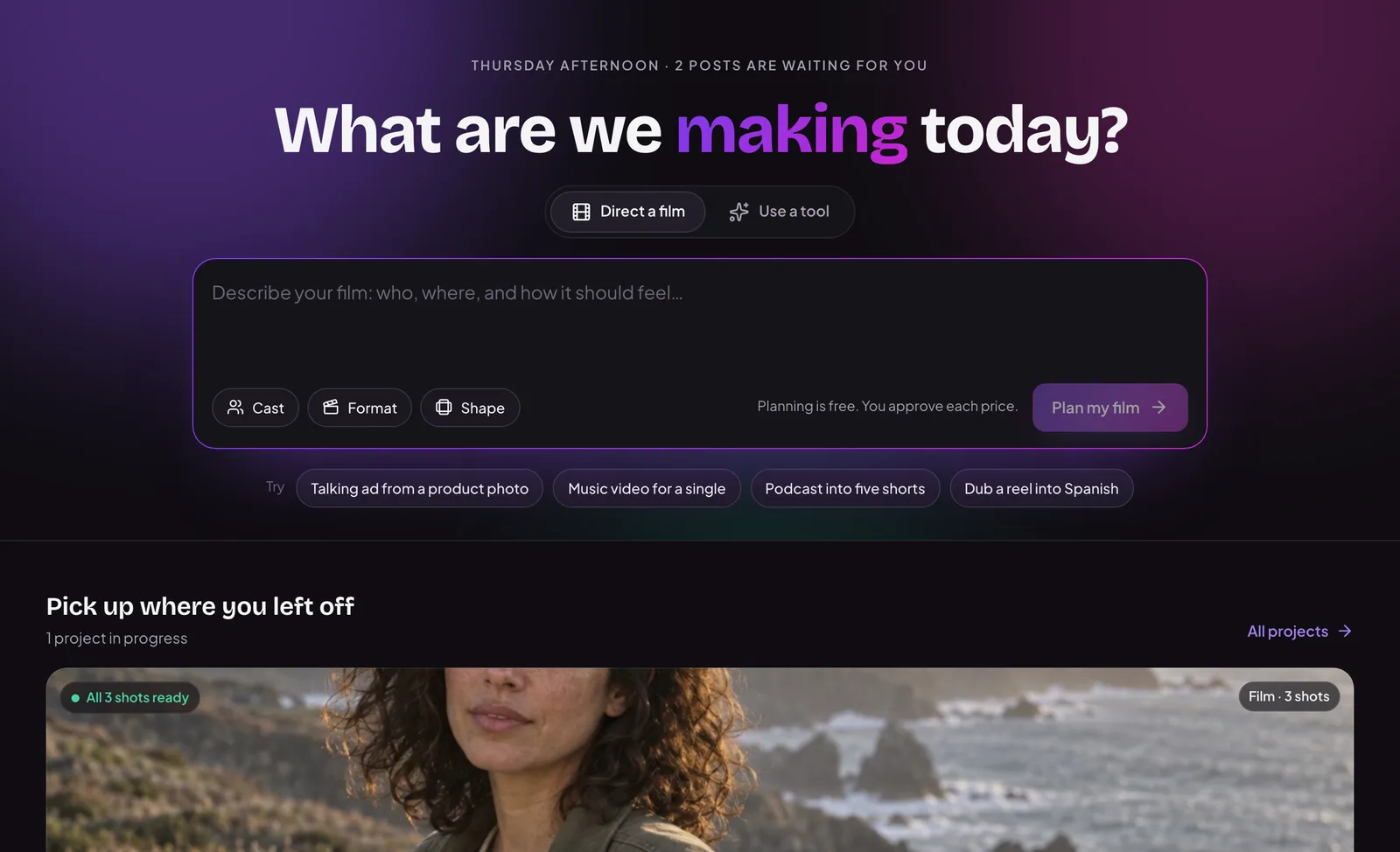
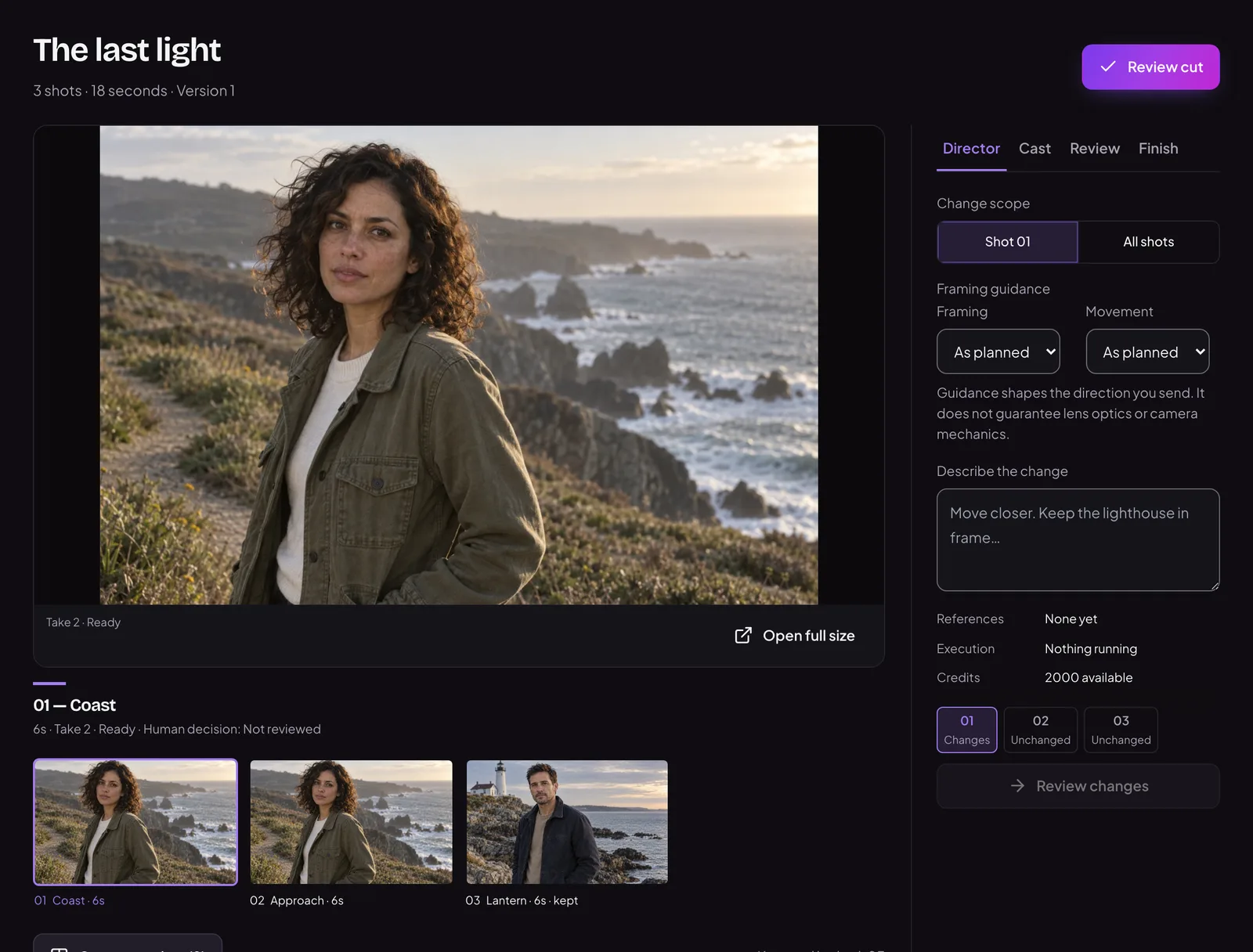
Say it in a sentence. Get the whole shoot.
The Director takes one line of intent and comes back with a creative brief, the image or the video, and the caption — written in the voice it learned from your site.

Recorded end to end on socialfly.io — the prompt, the Director’s brief, and the image it generated. Trimmed for length; nothing staged.
The Director on the demo account: real generated work, and the box you describe the next one in.
From the same account’s library


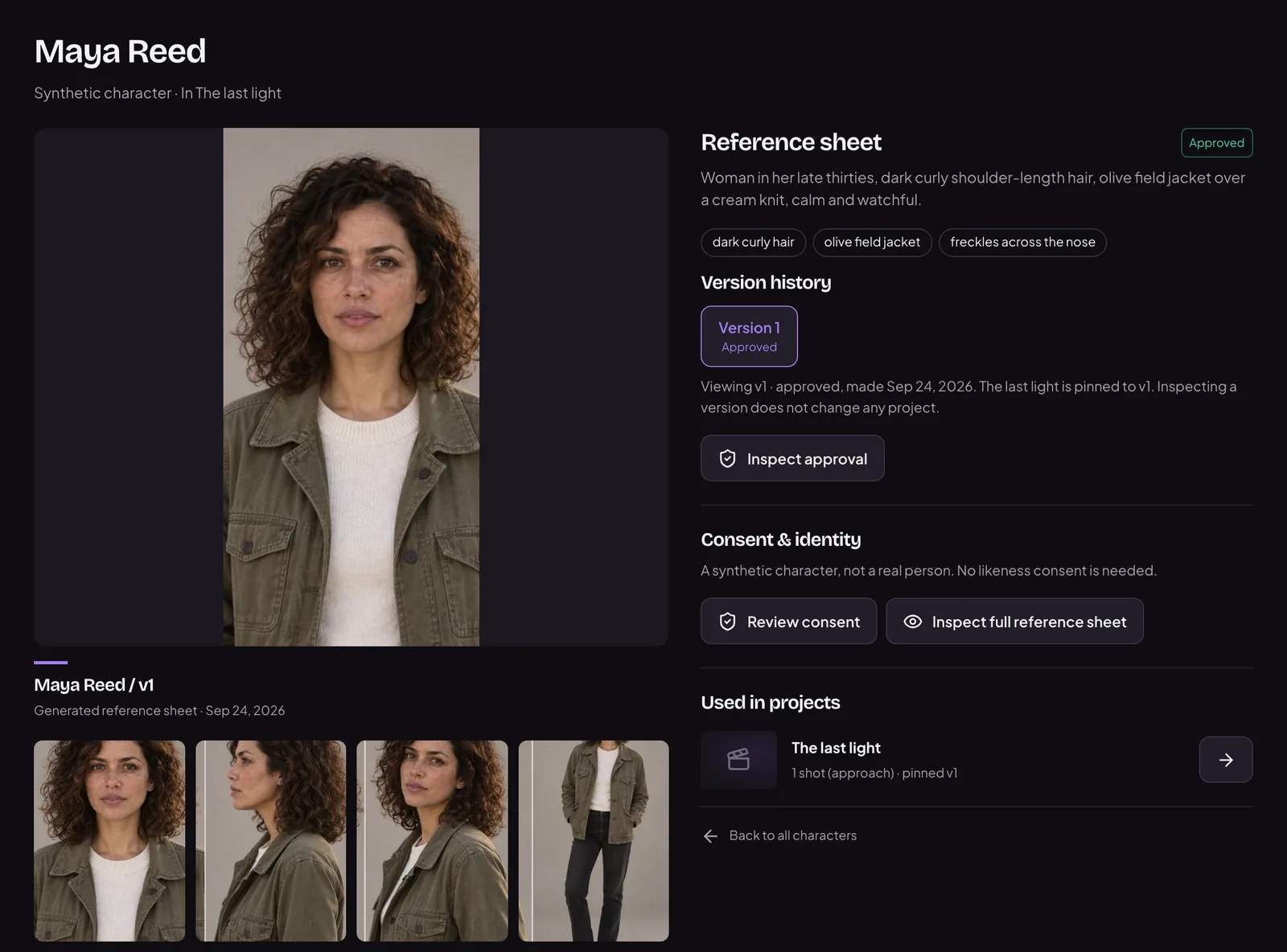
Every one of these came out of the Director. None of them is a mockup.

The demo account’s real calendar, recorded on socialfly.io.
The demo account’s real calendar on socialfly.io.
Work lands on a calendar, not in a folder.
Approved posts keep their slot. Nothing has to be re-found, re-opened, or re-decided on the morning it is due.
- Date and time
- Each post carries the moment it is meant to go out.
- The accounts
- And which connected accounts it belongs to — one post can hold several.
- Upcoming vs published
- Two separate columns, so what is waiting is never confused with what has run.
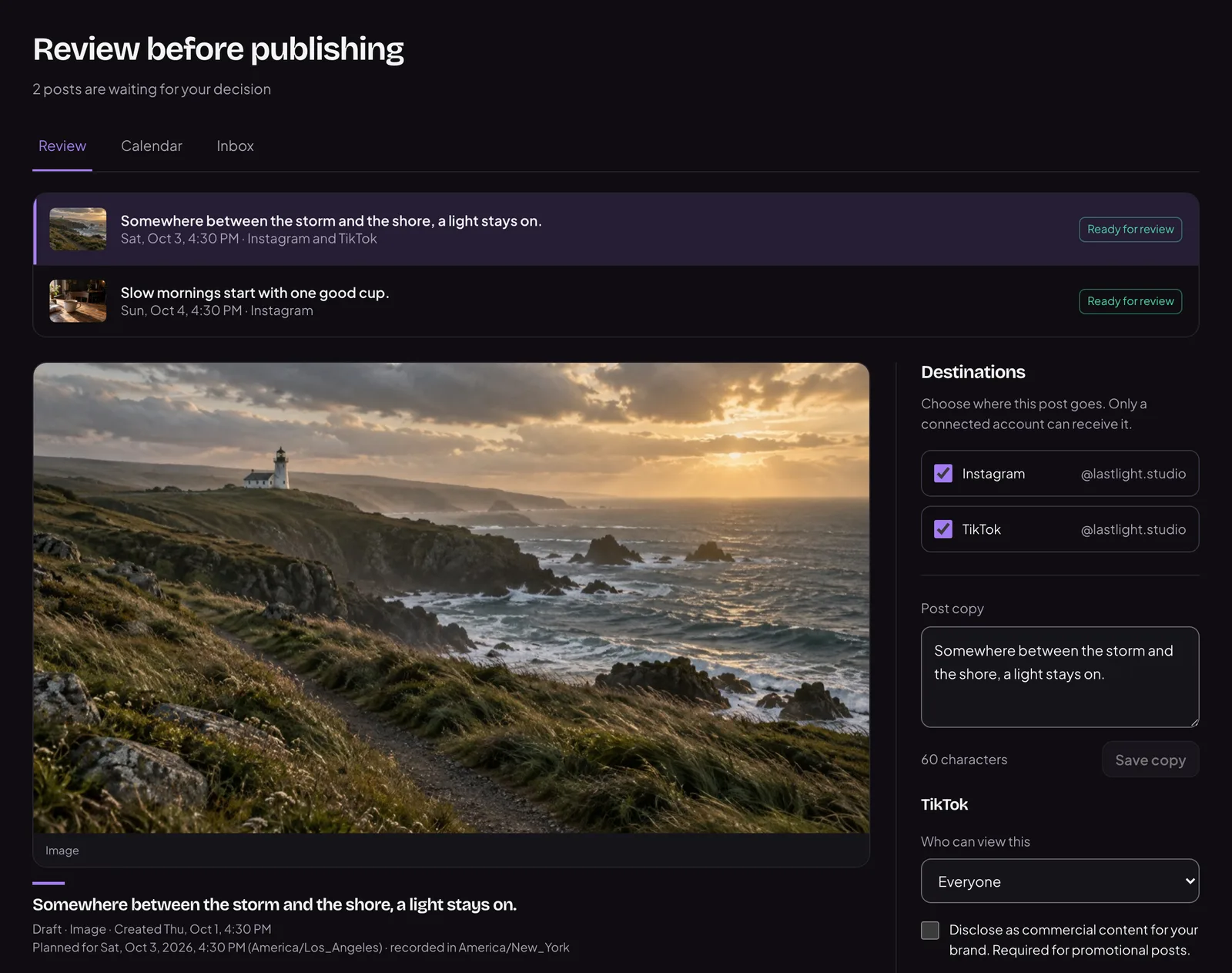
Nothing goes out until you say it does.
Everything the Director makes waits for a decision. Approve it and it keeps its slot in the calendar; send it back and it never leaves the building.
- Queued, not sent
- Generated work lands in a review queue. There is no outbox it can slip out of.
- One place to look
- The queue carries its own count, so an approval never depends on remembering.
- Alerts, if you want them
- It can ping your phone when something is waiting on a decision.

The demo account’s real queue — twelve posts waiting on a decision, and the first one open.
Connect the accounts you already post to.
You connect your own social accounts, and SocialFly publishes your own content to them. Each one connects through its own platform’s OAuth, so SocialFly never asks you for a social password — and you can disconnect any account at any time.

- InstagramComing soon
- TikTokComing soon
- YouTube
- X
One approval queue, whichever accounts you connect.
Posting to TikTok
Sign in with TikTok to link your account. SocialFly then creates vertical videos in your brand’s voice and sends them to your own TikTok profile — either published directly, or delivered as a draft so you can finish them in the TikTok app.
- Link your account
- Log in with TikTok to connect your profile. We read your basic profile info to show you which account is linked.
- Publish a video
- Send a finished video straight to your TikTok profile, with the caption and privacy setting you chose.
- Or save it as a draft
- Send the video to your TikTok drafts instead, and add sounds, effects or edits in TikTok before you post.
Start free. Pay when it is earning its keep.
Every plan is a monthly credit allowance rather than a seat count. A caption costs 1, an image 5, a short video from 10 — so what you pay tracks what you actually make.
Pro
Most picked$49/ month
$39 a month billed yearly
- 2,000 credits a month
- 5 brands
- 5 connected accounts
- 3 seats
- Unlimited scheduled posts, and video generation
Free
50 credits a month · 1 brand · 2 connected accounts
$0/mo
Creator
500 credits a month · 2 brands · 5 connected accounts
$19/mo
Agency
5,000 credits a month · Unlimited brands · Every platform · 10 seats
$99/mo